
The Best Free Coding Websites for Kids to Help Them Build Their First Apps
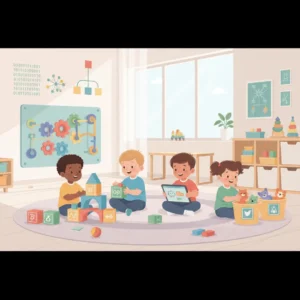
Our living room used to be a landmine of plastic bricks. These days it is quiet, just the soft click of a laptop mouse, and then a sudden shout of pure joy. Our ten-year-old had just steered a pixel rocket through a swirling ring of meteors in a game he built himself. What struck us was not the game. It was the way he stuck with it, tried again after each crash, and grinned when it finally worked. That kind of growth did not cost a fortune. No private coach, no big check for a weekend camp. It all came from free coding websites for kids that load in seconds on any basic connection. Screen time became something he was proud of.

A lot of parents believe teaching a child to build software takes an engineering degree or a pricey lesson plan. We wanted to find out for ourselves. Over several weeks we sat down with young learners and tested dozens of programs. The happy surprise was that the best tools cost nothing. They were built by educators who believe every child deserves the chance to create, not just consume. This is our honest story of how these no-cost resources helped our kids stop staring at screens and start building. And along the way, we watched something bigger grow than any app. We watched their confidence grow.
How Free Coding Websites for Kids Rewrote Our Weekend Routine
It started on a gray, rainy Saturday. We wanted to show our son, Jayden, how software works without boring him to tears. Instead of fighting with confusing setups or developer tools, we opened a plain browser and loaded Scratch. Built by the MIT Lifelong Kindergarten Group, it is one of the most loved free coding websites for kids anywhere, with millions of young creators sharing what they make. The design is the whole point. Kids drag visual blocks, so a missing semicolon never stops them cold.

Jayden did not type a single line. He snapped bright blocks together like digital building bricks and made an orange cartoon cat move. Within an hour he had a mini movie where the cat chased a ball across a neon stage. The blocks are grouped by color, blue for steps, purple for speech, yellow for triggers. He picked up loops and logic without trying, too busy making the cat do backflips to notice he was practicing patience and problem solving. Kids learn best when they are free to play and explore. And when Jayden’s cat froze mid backflip, he did not quit. He leaned in and figured out why. That is the real win.
Why Free Coding Websites for Kids are Saving School Budgets
After it clicked at our kitchen table, we teamed up with a few local elementary teachers to see how these programs held up in a busy classroom. School budgets are almost always tight, and pricey software licenses are often off the table. That makes free coding websites for kids a real lifeline for teachers who want to give every child a fair shot. We set up Code.org in a few rooms. It is a wonderful non profit platform full of guided lessons that feel like real games, with familiar faces from Minecraft, Disney, and Star Wars.
We stood at the back of a room and watched twenty five nine year olds lock in on their screens during the Hour of Code. They slide blocks on one side to guide a character through a maze on the other. Solve a puzzle, and one small button reveals the real JavaScript behind their blocks. It quietly shows them their drag and drop moves are true code. Teachers set up a dashboard in minutes to see who is stuck, hand out tasks, and print certificates. What we noticed most was the kids helping each other. When one figured out a puzzle, three more leaned over to learn from him.
The Best Free Coding Websites for Kids and Mobile Apps
Since a lot of young kids reach for a tablet before a laptop, we went looking for high-quality mobile options. We wanted free coding websites for kids and companion apps with no sneaky ads, no surprise paywalls, and no in app purchases. That led us straight to ScratchJr, a simpler version of Scratch made for five to seven year olds. It runs beautifully on iPads and Android tablets. Because many of these kids are still learning to read, the blocks use clear pictures instead of words.
We watched a six year old tell a story about a farm. She dragged a green flag block, a loop, and a movement block, and a cartoon horse sprinted across a pasture every time she tapped. She was learning sequencing and logic before she even knew her multiplication tables, and she was beaming the whole time. For older kids ready to leave blocks behind, we loaded Swift Playgrounds on the iPad. Apple built it to teach their language, Swift, through a gorgeous 3D game. Kids type real code to guide a little creature named Byte through puzzles, picking up arrays and functions in a game as polished as any console title.
How Free Coding Websites for Kids Bridge the Gap to Real Text
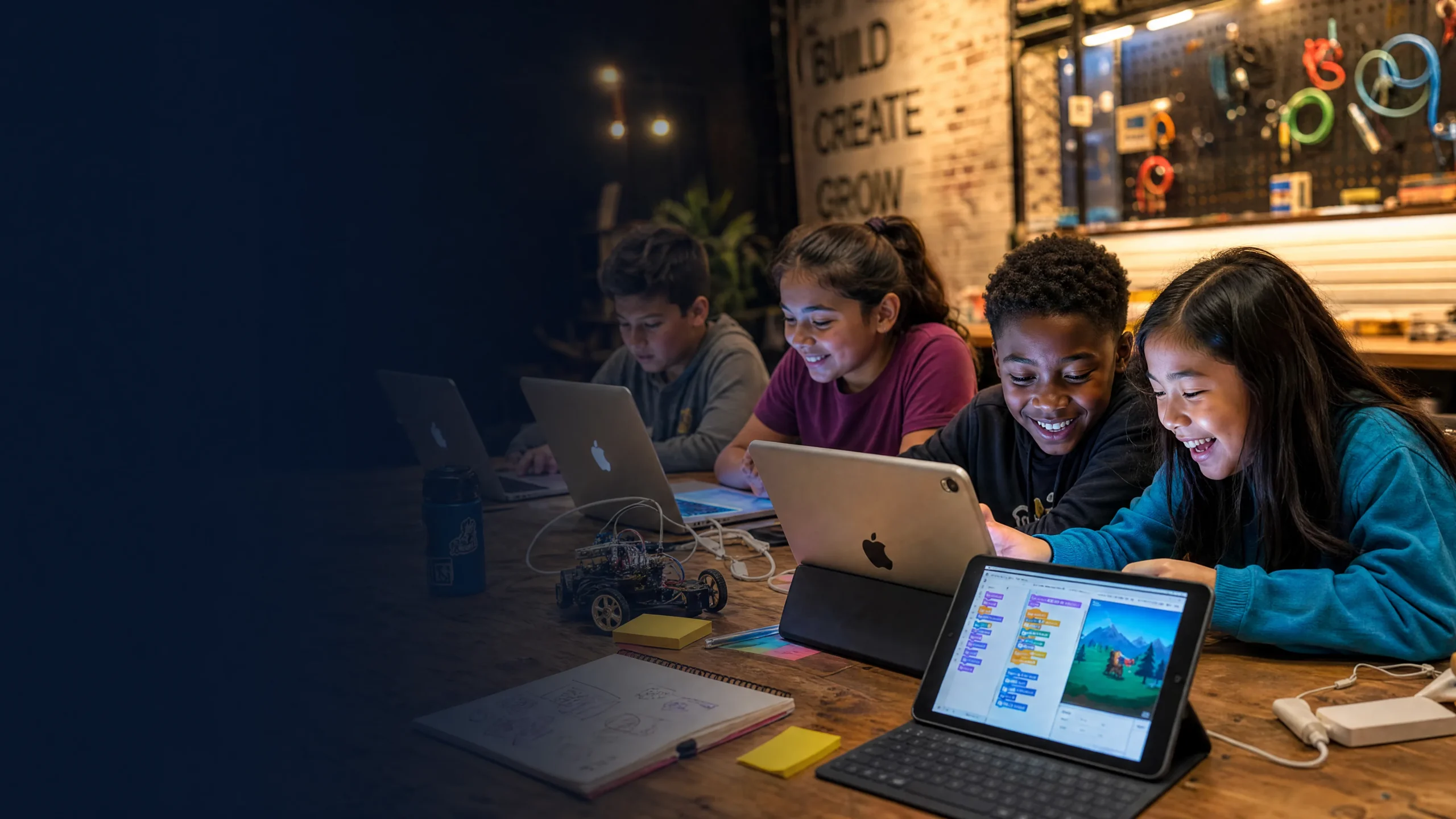
Eventually kids outgrow the blocks. They want to build bigger, more ambitious programs, and that means typing real text. To help them make the leap without spending a cent, we turned to strong free coding websites for kids and older learners, like Replit and freeCodeCamp. These platforms let kids write real Python, HTML, or JavaScript right in the browser. No downloads, no complicated setup. They log in and start, so the focus stays on creating.
We helped a small group of middle schoolers build their own web pages from scratch with HTML and CSS on Replit. In about two hours they had live sites online, complete with images, custom colors, and links. They loved typing on the left and watching the page update instantly on the right. It showed them that code is not about memorizing formulas. It is about building something real and sharing it. More than that, it showed them they could stick with something hard and come out the other side proud. That belief carries into every subject they touch.
Why Free Tools Beat Expensive Coding Bootcamps Every Time
It is easy to feel pressure to sign kids up for costly weekend coding schools that promise a Silicon Valley pro in a month. We fell for that once and spent hundreds on a weekend class. It flopped. Our son was bored, frustrated, and dreaded going. The strict, repetitive worksheets drained the joy right out of it and turned technology into one more chore graded for a grade.
Moving to free coding websites for kids changed everything. These platforms put kids in the driver’s seat. On Scratch and Code.org they build whatever they dream up, a game about the family dog, an animated card for Grandma, a platform level of their own. That ownership is what keeps them going. When their game breaks, they do not walk away. They fix it, because it is theirs. That hands on troubleshooting builds real persistence and clear thinking, the kind of character that shows up far beyond a screen.
Your Simple Roadmap to Get Started
To help you start at home without the stress, we put together a simple guide from our own trials. This path keeps kids excited without overwhelming them.
- Start simple. Use block based tools like ScratchJr for the little ones, or standard Scratch for kids eight and up. Keep sessions short, maybe thirty minutes twice a week, and lean on storytelling rather than hard logic puzzles.
- Move on to the playful challenges on Code.org. These games teach loops and variables in a way that feels like play, with quick wins that help kids see how the pieces fit.
- When they want to make things blocks cannot handle, bring in real typing with Replit or freeCodeCamp. Start with Python or HTML and CSS, since both are easy to read and show visual results fast.
- Set up a family show and tell. Let them plug the computer into the TV and share what they made. A room cheering for their work turns lines of code into a moment they are proud of, and grows their confidence as young makers.