Getting Started with Scratch: The First Step From Screen User to Screen Maker
Priya loved games. She could describe every level of her favorite one in detail, but she had never made anything of her own. Her mother, Sarah, noticed the gap. She saw a curious, capable girl spending her hours inside worlds other people had built. That small observation is what brought them to Love to Code Academy. What we showed them was not a lecture about screen time. It was a doorway into scratch coding for kids, a place where Priya could stop consuming and start creating. Our belief is simple. Technology is only the room we stand in. Who your child becomes inside that room is the point. When kids build with blocks instead of just tapping through someone else’s game, they change roles. They become makers. This guide walks you through starting with Scratch, and shows how a colorful screen quietly builds connection, persistence, heart, and leadership.
Why Visual Coding Changes Everything for a Beginner
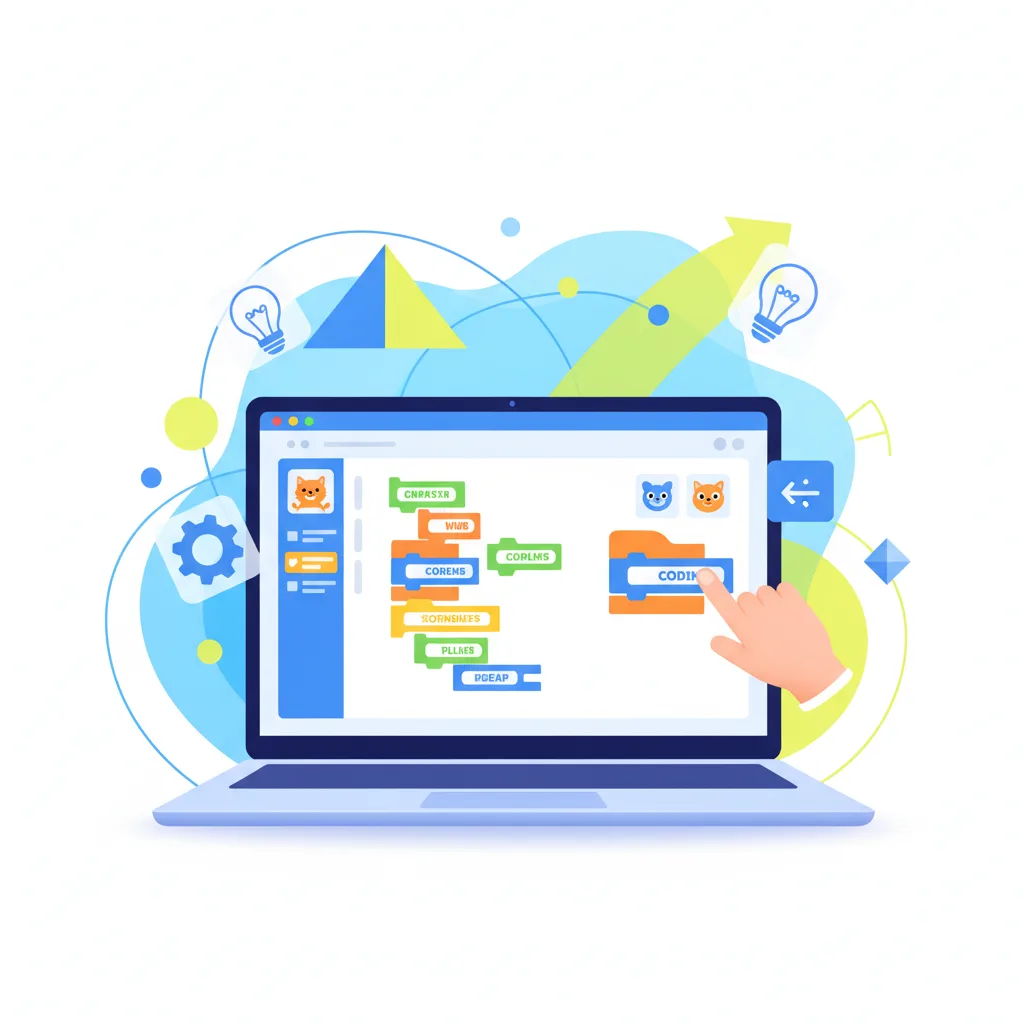
The power of scratch coding for kids comes from what it removes. Traditional text coding is unforgiving to young beginners. One missing colon or one small typo in Python or JavaScript breaks the whole program. The screen throws an error, and a child’s confidence can drain away in seconds. Scratch, created by the Lifelong Kindergarten Group at MIT, works differently. It uses colorful blocks that snap together like physical pieces. Children join those pieces to move characters, called sprites, around the screen. The result appears instantly. That fast loop between action and result is what keeps a young mind leaning in, especially when they are just starting out.
In our classrooms, this first stage looks a lot like a new student’s first white belt lesson. We do not ask beginners to build something complex on day one. We ask them to feel safe trying, and safe getting it wrong. When Priya snapped a movement block to an event block and watched a cartoon cat spin across the screen, she sat up taller. She understood, maybe for the first time, that she was in charge. That small win is where confidence takes root, and confidence is the soil character grows in. Our instructors watch for these moments and name them out loud, so the child hears their own focus and effort being noticed.
The research agrees. Studies of visual, block based tools show that young students build real problem solving and computational thinking. Because they focus on logic instead of typing, kids build ambitious things quickly, and prove to themselves they can handle a hard puzzle.
The Building Blocks That Make It Click
Scratch organizes its logic into color coded drawers, and each color has a job. Blue blocks handle movement, sending sprites gliding, turning, and traveling across the stage. Purple blocks control looks, so kids can change costumes, pop up speech bubbles, and play with style. Yellow blocks are the triggers, the starting spark that sets a chain of code in motion when someone clicks the green flag or presses a key.
Orange blocks manage control, holding the loops and the if then choices that form the backbone of any program. This is computer science with the typing taken out. When kids stack these blocks, they are learning to think in steps, to find their own bugs, and to trace cause and effect. Green blocks handle math and text, and teal sensing blocks let sprites react to the mouse, to colors, and to each other.
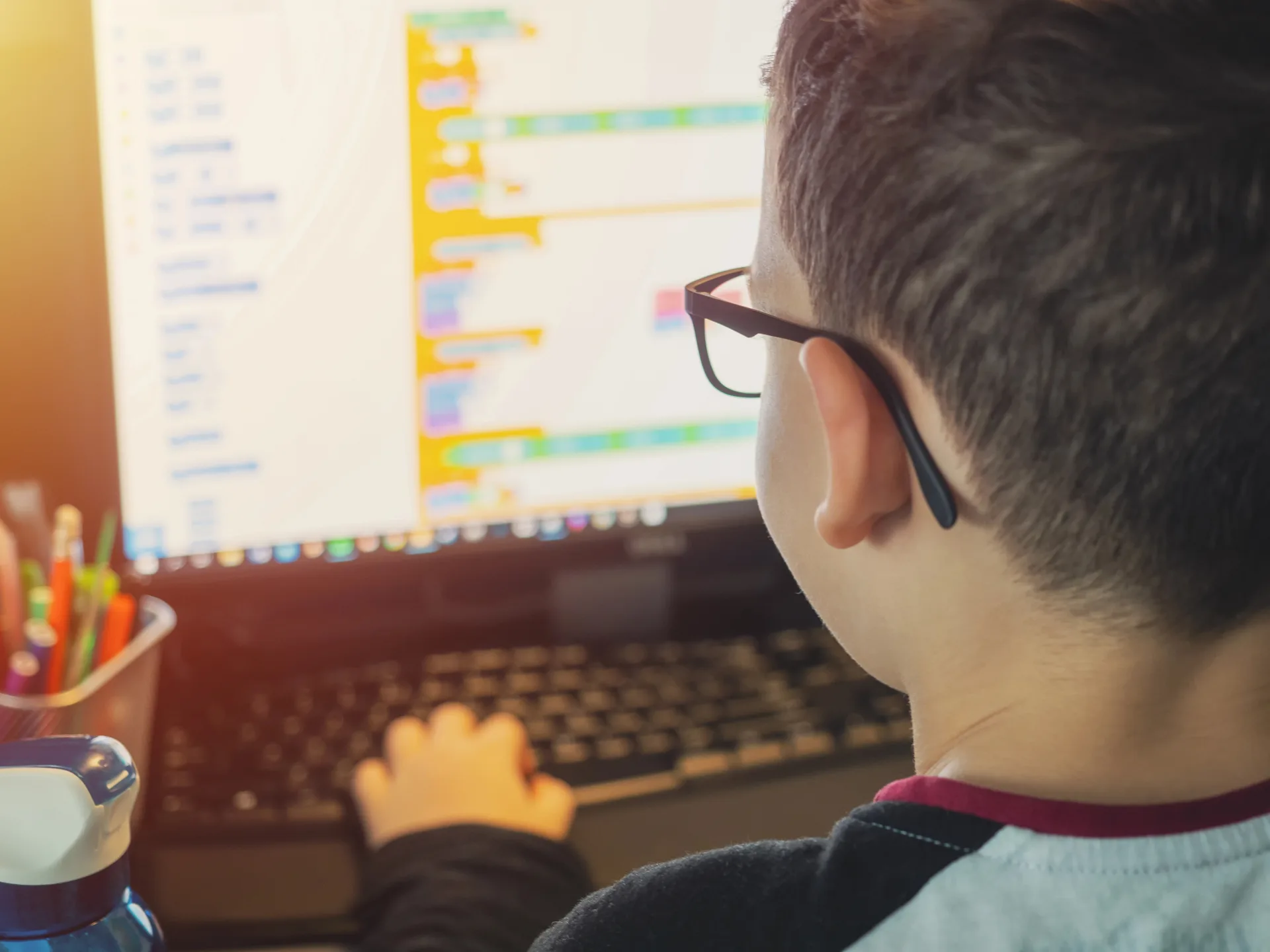
At our academy, we connect these skills to our belt system. A beginner starts at White Belt by learning to move around the stage, use the coordinate grid, and keep a tidy workspace. They also practice self control and teamwork, sharing screens and ideas. Making a script run matters, but treating a partner with respect is what earns the next belt. A child who builds a brilliant game while ignoring the people around them does not advance. Character is always the real reward.
Building Your First Catching Game, Step by Step
Nothing anchors these ideas like building a real game, and a simple catch game is the perfect first project. We walk kids through it one piece at a time, teaching patience right alongside logic. The goal is easy to picture. Catch falling fruit in a bowl to score points.
The student starts by choosing a backdrop, maybe a sunny park or deep space. Then they pick two sprites, a bowl for the player and an apple to catch. To move the bowl, they snap a green flag event block onto a forever loop. Inside, they add an if then block that checks whether the right arrow is pressed, and if it is, a blue block changes x by ten. They repeat it for the left arrow, changing x by negative ten. Now the bowl slides left and right.
The apple needs its own script. The student sends it to a random spot at the top of the screen, then wraps a change y by negative five block inside a forever loop so it drifts down smoothly. A sensing block checks whether the apple is touching the bowl. When it is, a sound plays, the score climbs by one, and the apple jumps back to the top to fall again.
It rarely works on the first try, and that is exactly where the growth happens. A block lands in the wrong place, and suddenly the apple flies upward or the score jumps by thousands. Our mentors do not reach in and fix it. We watch, we ask questions, and we praise the effort. We ask what they tried and where the logic broke. When a child finds their own mistake and repairs it, the pride is real and it is theirs. They learn that staying with a hard problem pays off.
How Coding Quietly Builds Character
The coding skills matter, but the personal growth is what stays. School often frames a mistake as a failure, circled in red. In coding, a mistake is just a bug. Bugs are normal, expected parts of making something. That shift changes how a child handles frustration, turning a possible meltdown into a puzzle worth solving.
As kids work in Scratch, they build persistence, self control, and honesty. Persistence grows when a child spends twenty minutes making a sprite jump the right way and refuses to give up. Self control grows when they pause, breathe, and read their code block by block after something breaks. Honesty shows up when they admit they skipped a step and go back to fix it themselves.
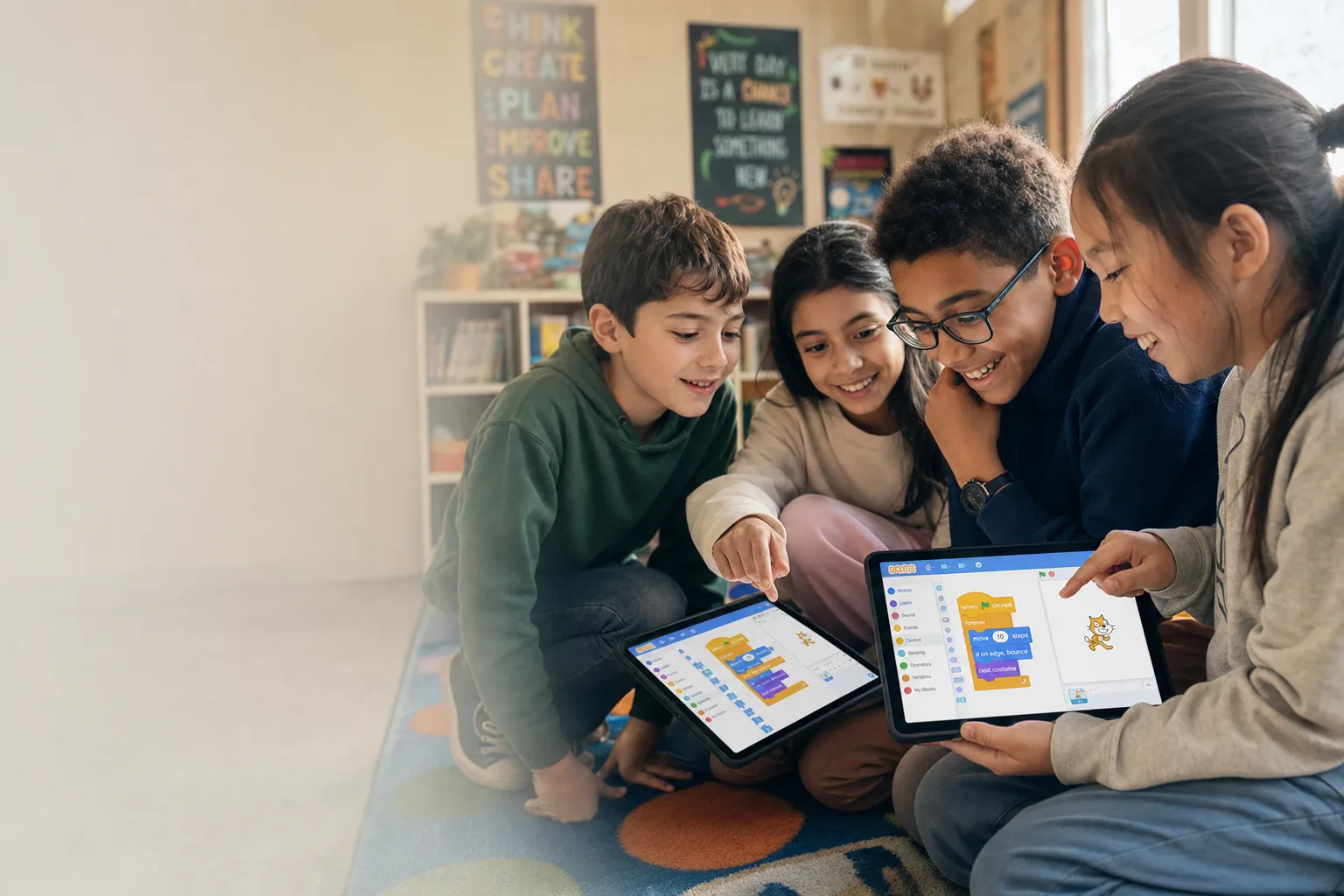
We build connection through partner challenges too. In our labs, two students often share one screen. One controls the mouse while the other plans the logic and guides the next move. That setup makes them talk, listen, and respect each other. They learn to share credit and to work through a disagreement calmly, which proves that a screen can bring kids together instead of pulling them apart.
From Screen Time to Leadership
As students climb through the belts, their relationship with technology matures. They move from simply taking part to actively contributing, helping friends and owning their work. By the Blue and Purple Belt levels, they stop following instructions and start designing worlds of their own, showing their passion through custom art and clever mechanics.
The high point of our program is the leadership path. Older students join our lab assistant program, where success is no longer measured by how impressive their own game is, but by how much they help others grow. A Red or Black Belt student becomes a guide, coaching beginners through their first Scratch scripts. They learn to explain a hard idea simply, to encourage a nervous newcomer, and to stay patient.
This is where purpose takes hold. Kids learn that their skills are best used to lift up the people around them. When parents watch our final presentations, they do not just see games on a screen. They see a child speak with confidence, explain their thinking, thank a teammate, and describe how they beat a stubborn bug. That is when a parent realizes their child did not only learn to code. They grew into someone kind and capable.
How to Start at Home Today
Parents can start this journey with a simple plan. Begin by setting up a free account on the MIT Scratch website. It takes less than five minutes and gives your child a safe place to save projects, share them, and see what other kids are making.
Next, set a steady rhythm, maybe fifty minutes twice a week. That pace builds momentum without burning anyone out. Keep the focus on play and discovery instead of perfection, and let your child change numbers just to see what happens.
Then set up a calm workspace. A real desk with a mouse, rather than a laptop trackpad, makes moving blocks far easier for small hands. Stay close to cheer them on, but keep your hands off the keyboard so the victory belongs to them.
Finally, spend five minutes talking about the project at the end of each session. Ask what worked, what broke, and how they fixed it. That small habit reinforces the truth that every hurdle is just a step toward growth.
The Real Value of the Journey
Learning to code with Scratch is a rich adventure that reaches well beyond the screen. Starting with visual blocks lets kids build strong logical thinking without the sting of syntax errors. More than that, they practice real skills like persistence, teamwork, and calm focus. The game they build is only the sandbox. The real creation is a resilient, thoughtful mind ready for whatever comes next.
Focusing on the struggle and the debugging teaches kids to welcome mistakes. Sharing projects and building with friends grows communication that helps them everywhere. A belt system makes progress visible and fun for the whole family. Moving from instructions to original design hands kids true creative freedom. We do not just train programmers. We grow great kids.